Before Simplify MIDI Sample
Listen to the dense original MIDI arrangement.

Turn a dense arrangement into a playable melody without changing its musical timing.
Paste Dense MIDI → Get Easy Playable 2-Voice MIDI
No file selected
Listen to the dense original MIDI arrangement.
Listen to the simplified result generated by this app.
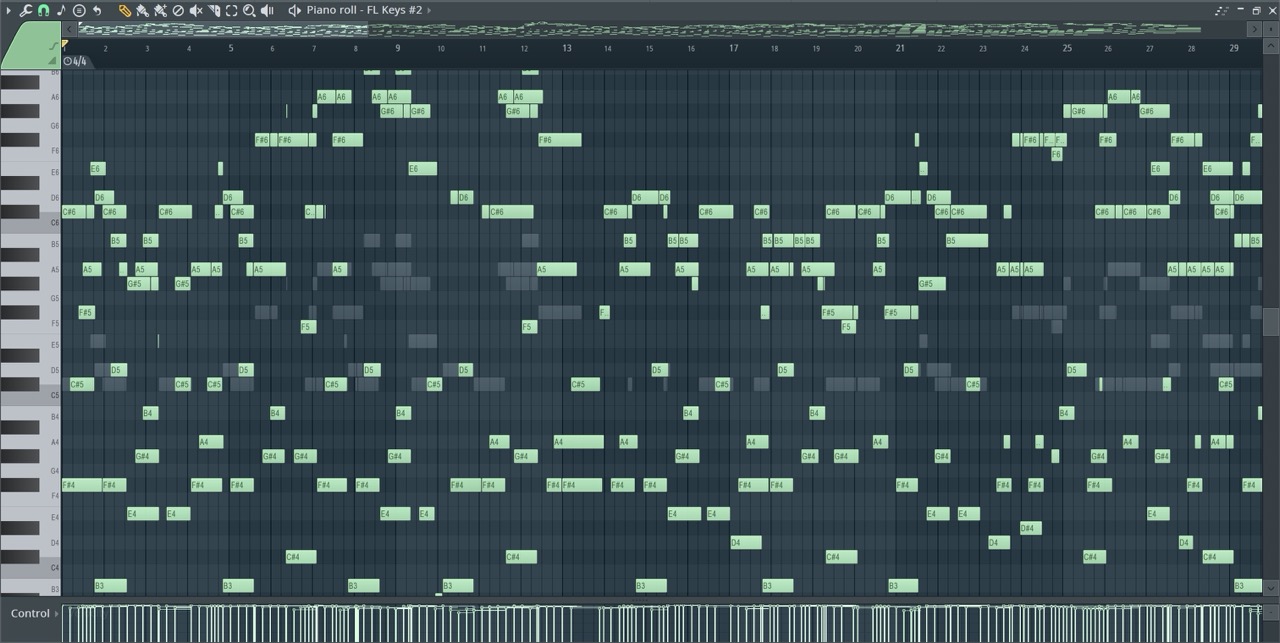
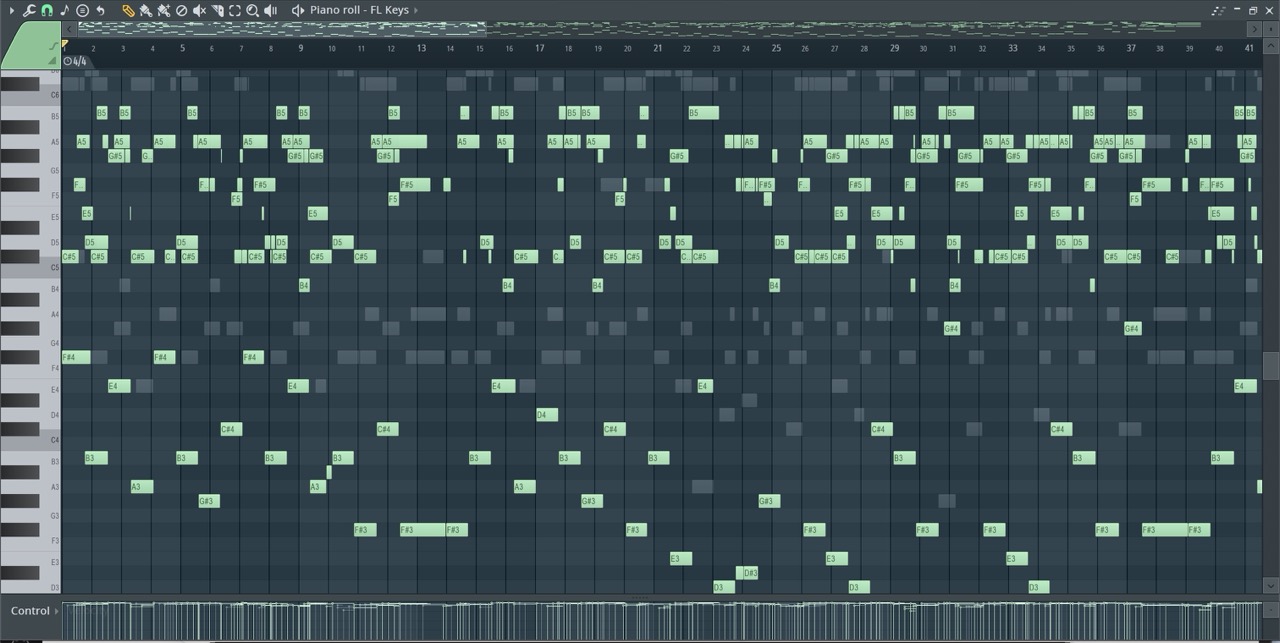
Drop a .mid file into the upload area or choose one from your computer, optionally select Remove left hand, press Simplify MIDI, then download your simplified MIDI file.
Upload a MIDI file, optionally remove the left-hand part, then simplify and download the resulting beginner-friendly MIDI arrangement.
The MIDI simplifier creates a beginner-friendly piano arrangement by limiting the note range, reducing dense chords and overlapping voices, and keeping the main melody easier to play. When Remove left hand is selected, lower left-hand notes are discarded so the result focuses on the higher melody and right-hand practice part while preserving the original musical timing as much as possible.
Yes. The downloaded MIDI is suitable for compatible MIDI rhythm games, practice software, and piano-learning tools.
Remove left hand keeps the higher, melody-focused notes to create a simpler right-hand practice part.
Yes. The simplifier also cleans out drum and percussion sections so the MIDI is easier to play on piano in rhythm games.